How to rent a carpet extractor, carpet cleaner – detailed procedure
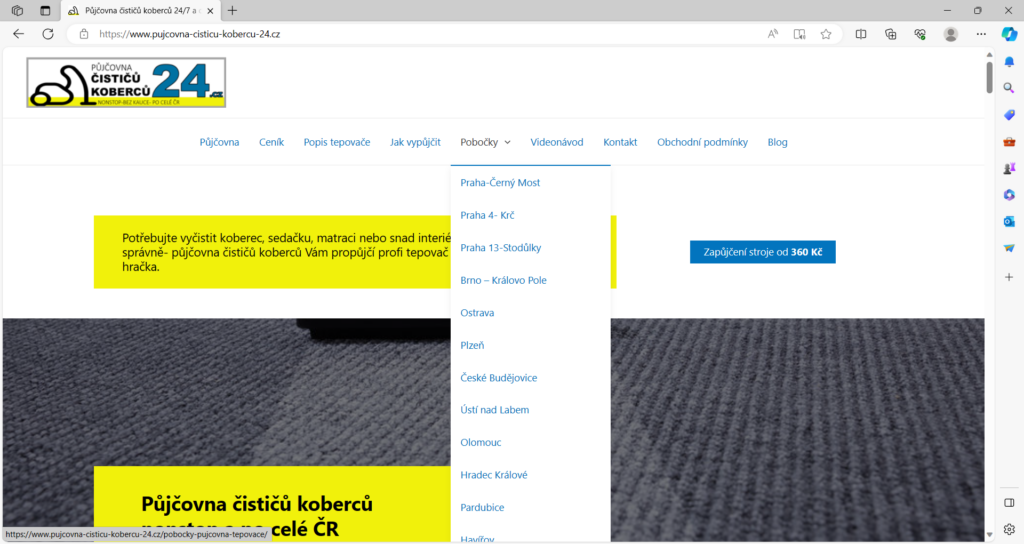
1. First, choose a branch
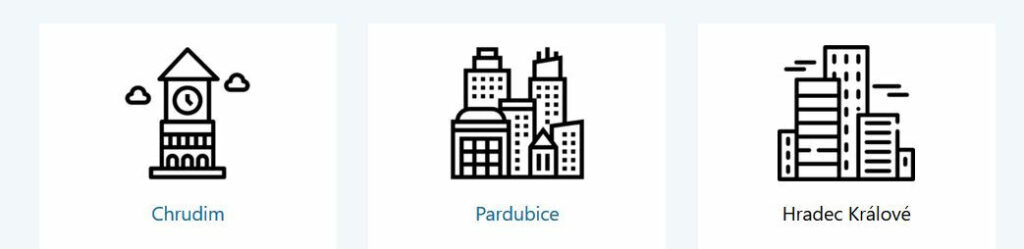
Hover over branches in the menu at the top and select the city closest to you. Alternatively, click the “book” button anywhere on the website (e.g., below) and then click on the city where our carpet cleaner rental 24 branch is located.
2. Choose a date, rental duration, and create a reservation
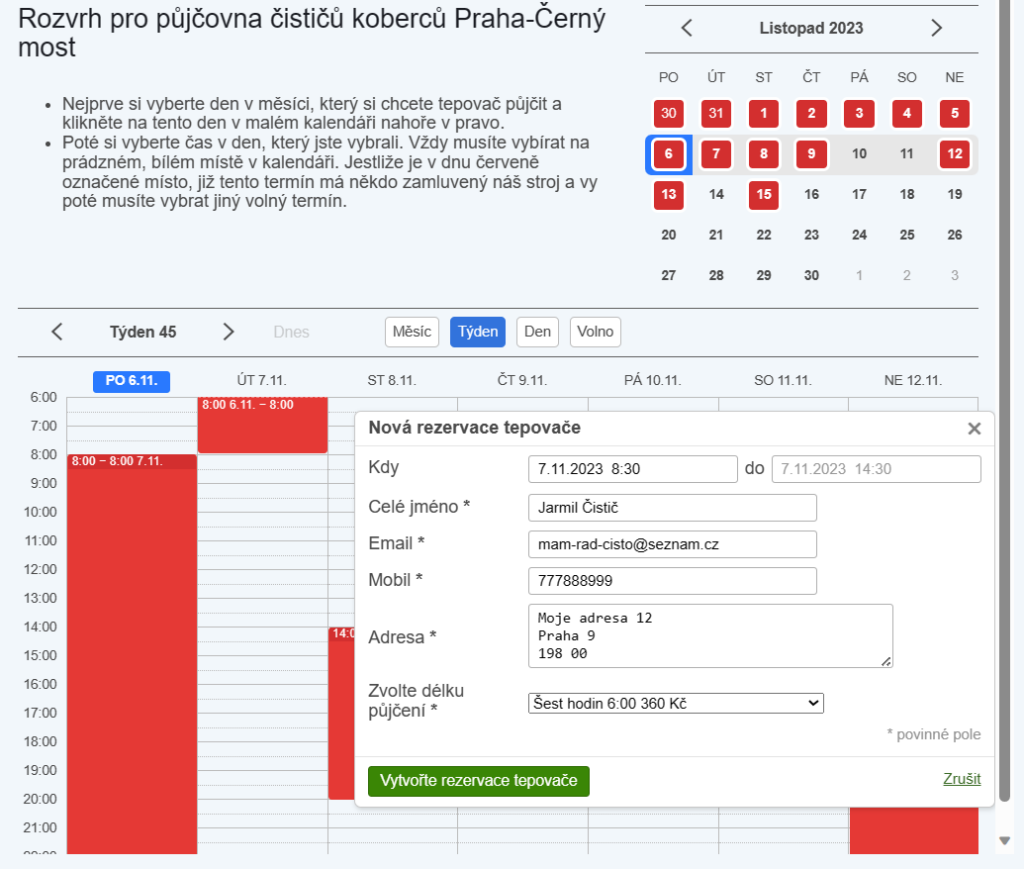
- First, select a week or day in the small calendar at the top.
- Select a day of the week and click on the hour line in the calendar on the desired day (we recommend the weekly view – it is the clearest). After clicking on the hour, the “New carpet extractor reservation” table will be displayed.
- Fill in:
- If necessary, adjust the reservation date and time in the “When” field.
- The “to” field is not filled in, but is calculated automatically according to the selected rental duration.
- Full name
- Mobile number
- Address where you will be cleaning (one address is enough, e.g., your residence)
- Select rental duration (6 to 48 hours)
- Click on the button: “create a carpet extractor reservation“
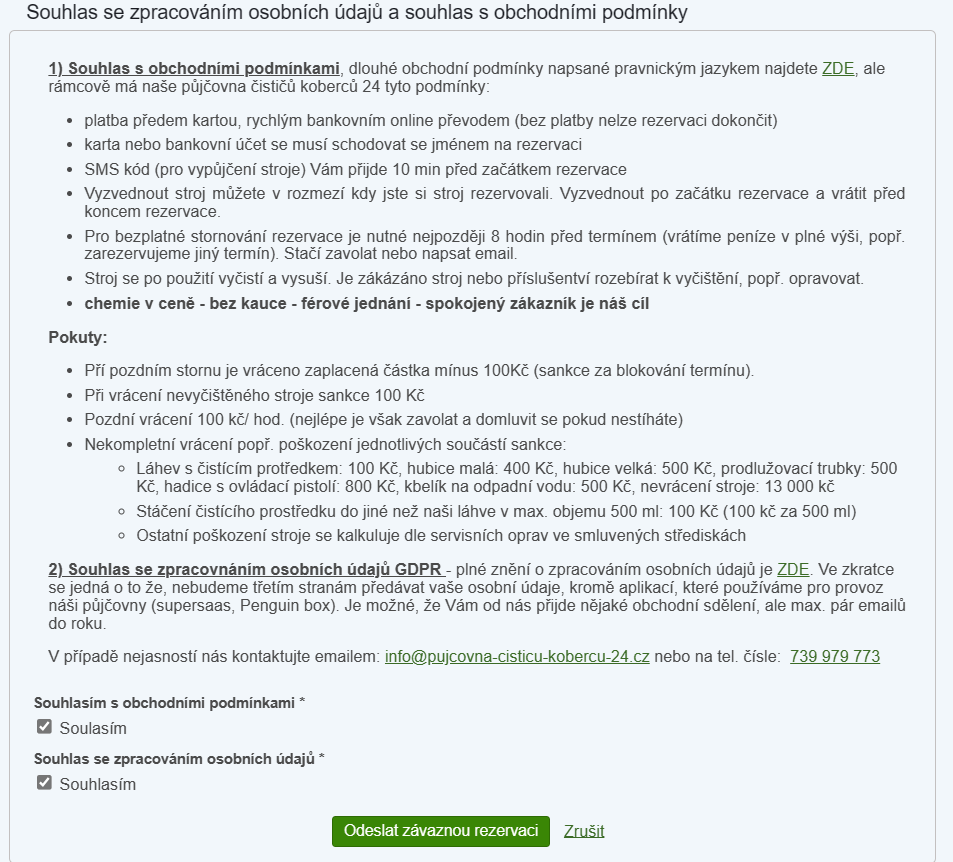
3. Agree to terms and conditions and GDPR
Read the terms and conditions and the assurance that we will not misuse your personal data in any way. Check both checkboxes and click on “Submit binding reservation”.
4. Check the filled-in details
Check the details you filled in, especially the date. After checking, click on the green “PayU” button.
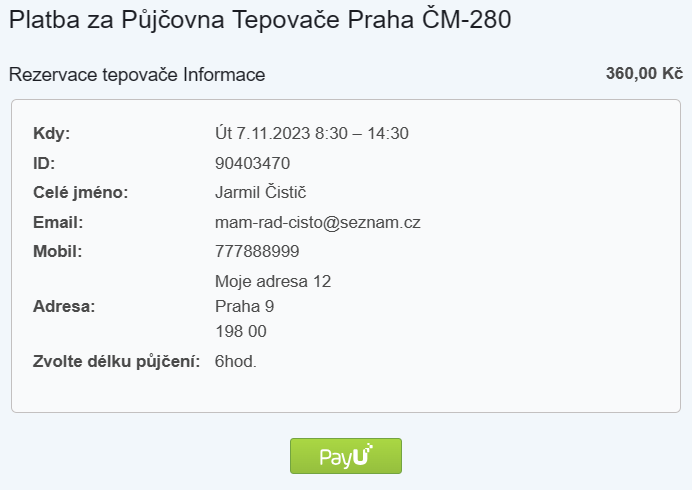
5. Pay for the reservation
The payment gateway will open. Select your payment method and follow the on-screen instructions. We recommend using card payment or Google Pay, as they are less error-prone.
- if the payment gateway window does not appear, you do not have pop-up windows enabled in your browser. Instructions here.
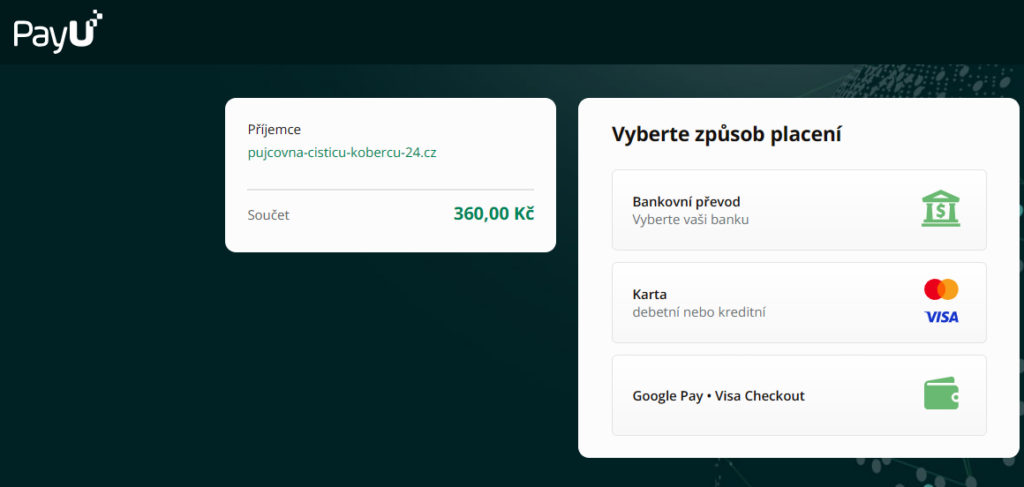
6. Your reservation has been created
Your reservation is created and paid for. We will redirect you from the payment gateway back to the successful reservation screen. A confirmation of the reservation creation will be sent to your email. You are almost at the end of the article: how to rent a carpet extractor.
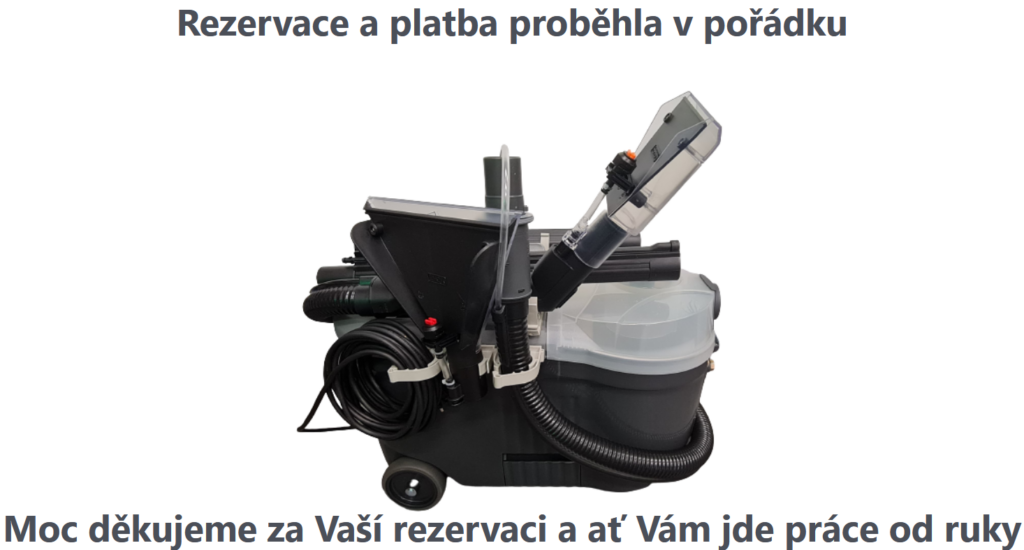
7. Receiving the code via email and SMS
You will receive the PIN code to open the box exactly 10 minutes before the start of the reserved period via email and SMS (e.g., if you have a reservation from 12:00 to 18:00, the PIN code will arrive exactly at 11:50). If you do not receive the PIN, call us immediately at 739 979 773
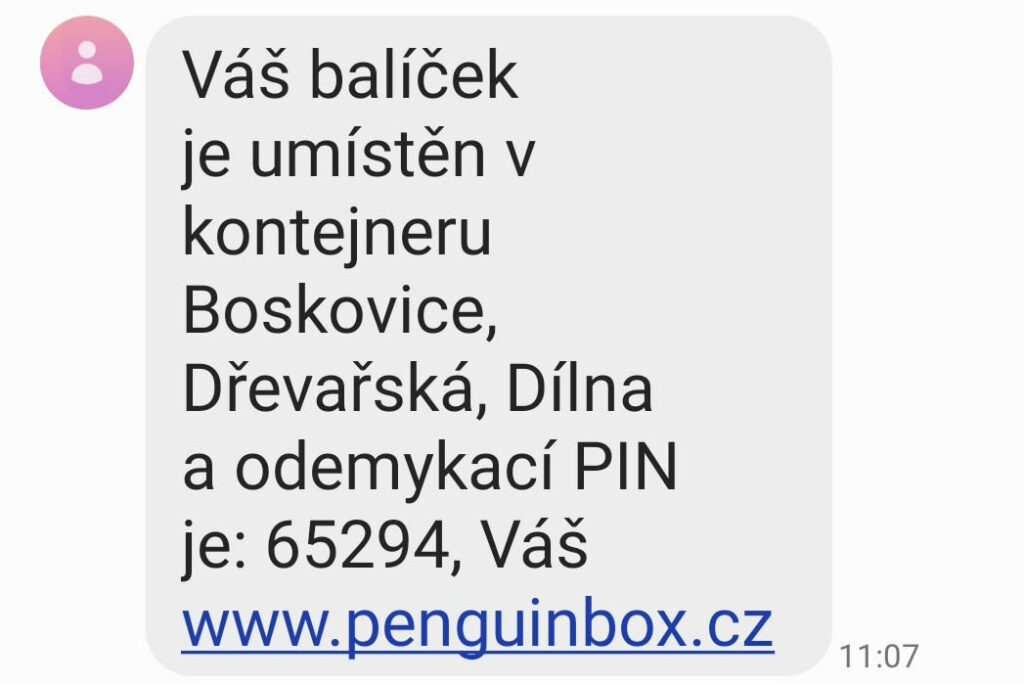
8. Pick up the carpet cleaner from the self-service box
Our branches are always easily accessible by car and are mostly located in well-known shopping zones. You can find the exact address, map, or photo for each specific branch.
Pick-up procedure:
- Click on the screen or the start button to wake up the screen
- Enter the PIN code from the SMS or email
- The box door will open
- Click “done” on the screen
- Remove the machine
- Check inside the tank if the 500 ml white bottle with cleaning agent is present and full
- If it is not full, fill it from the canister inside the box.
- Check if you have all 7 components
- Close the box door and make sure it is locked
- You will immediately receive a second SMS with a code for returning the machine to the box. If you do not receive the second SMS, enter the first pick-up code once more, and after the door opens, confirm “done” on the screen one more time.
9. Clean everything you need
You already have the carpet extractor at home, and now just clean everything you need
10. Clean the carpet extractor and check if you have all components
After cleaning your apartment, clean the machine itself.
- Vacuum the remaining cleaning solution from the tank using the small nozzle and empty the dirty water bucket
- Fill the bucket with clean cold water, pour it into the tank
- Turn on both the pump and the vacuum. Hold the spray switch for 20 seconds to flush out the pump and tubes.
- Turn off the pump and submerge the small nozzle into the tank to vacuum up the remaining water.
- Empty the bucket
- Wipe and dry the entire machine and components with a cloth.
- Put the bucket in place, the tubes and nozzles into the holder, coil and hang up the electrical cable, and finally, do not forget to place the cleaning agent bottle into the tank
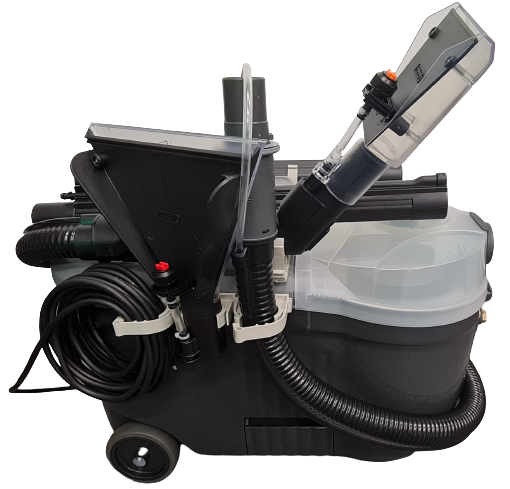
11. Return the carpet cleaner to the self-service box.
Returning the machine to the delivery box
- Wake up the screen by pressing the “start” button or touching the display
- Enter the 2nd code from the SMS or email
- The box door will open
- Press “done” on the display
- Insert the machine
- Close the box door and make sure it is locked
Do you already know how to rent a carpet extractor?
Everything is completed, and the home is clean again
Select a carpet cleaner rental branch and book the machine